Home / Guides / Coupon basics
Promo code not working? 12 common reasons and how to fix them
A code that fails at checkout usually fails for a reason you can spot. Here are the twelve most common ones, how to check each in under a minute, and what to try next.
You found a code, typed it in, and the checkout said no. It is one of the most annoying moments in online shopping, and it is tempting to assume the code was never real. Sometimes that is true. Far more often, the code is genuine but has a condition your order doesn't meet. Store checkouts are strict: a code built for "20% off orders over $50, full-price items only" will refuse a $49 order or a cart with one sale item in it, and many checkouts don't explain why.
Below are the twelve reasons we see most often when people report a code that didn't work, roughly in order of how common they are.
1. The order is under the minimum spend
Many codes only work above a certain order value, such as "$10 off orders of $75 or more". Check whether the minimum is calculated before or after other discounts: a $80 cart with a $10 sale discount already applied may count as $70. Shipping and tax almost never count towards the minimum.
Fix: read the offer details, then add a small item you actually need to cross the threshold. Our guide to reaching spending thresholds without overspending has ideas.
2. Something in your cart is excluded
Exclusions are the single biggest cause of failed codes. Common ones are items already on sale, new arrivals, gift cards, certain brands sold by the store, and marketplace items sold by third-party sellers rather than the store itself. Some checkouts reject the whole code when one excluded item is present; others apply it only to eligible items, which can make it look like nothing happened.
Fix: remove items one at a time and re-apply the code, starting with anything marked "sale" or sold by another seller.
3. The code has expired or hasn't started
Codes often run for a weekend or a single day, and some are announced before they go live. If the store's message says "expired" or "not yet active", there is not much you can do except wait or look for a current offer.
Fix: check the end date on the offer. On Couponova, offers past their end date are removed automatically, so a code you see listed should still be within its dates, but a store can end a promotion early.
4. It's for new customers only
"First order" codes check your email address, your account, and sometimes your delivery address or payment card. If you've ordered before, even years ago or as a guest, the code may fail.
Fix: look for codes that don't say "new customers". Creating a second account to reuse a welcome code usually breaks the store's terms and can get orders cancelled.
5. A typo, or a hidden space
Copying a code can pick up a space before or after it, and some fonts make O and 0, or I and l, look identical. Codes are usually not case-sensitive, but a few are.
Fix: delete what you pasted and type the code by hand, exactly as shown.
6. The code is tied to a country or currency
International stores often run different promotions per country. A code for the US site may not work on the UK site, or when your account is set to a different shipping country or currency.
Fix: check that you are on the right regional site and that your delivery address is in a country the code covers.
7. It only works in the app, or only on the website
Some stores reward app users with app-only codes; others limit codes to the desktop checkout. The offer usually says so in the small print.
Fix: try the same code in the store's app, or on the website if you were using the app.
8. Another discount is already applied
Most stores allow only one promo code per order, and some don't allow codes on top of automatic discounts such as a bundle price or a member price. If a different code is already in the box, the new one may replace it or be refused.
Fix: remove the existing code and compare which one saves more. Our guide on stacking discounts explains what usually can and can't be combined.
9. The code was single-use or has run out
Some codes are limited to a number of uses in total ("first 500 orders") or one use per customer. Others were issued to one person, for example as an apology or a referral reward, and were then shared publicly. Stores often cancel those.
Fix: there isn't one. This is exactly why Couponova only lists codes that stores publish through official channels.
10. You need to be signed in, or subscribed
Member and newsletter codes may check that you are signed in with the account that received them.
Fix: sign in before applying the code, using the same email address the code was sent to.
11. The store wants a specific payment method
Occasionally a promotion is funded by a bank or payment provider and only works when you pay with that card or wallet. The code is accepted, then removed at the payment step.
Fix: read the conditions for a payment requirement before you reach the last step.
12. A technical glitch
Checkouts do break. Browser extensions that inject codes, an old session or a slow connection can all interfere.
Fix: refresh the cart, try a private browsing window with extensions disabled, or try the app. If the code still fails and you meet every condition, the store's customer service can sometimes apply it for you.
What to do when nothing works
- Read the store's exact error message and match it to the list above.
- Check whether a deal (a discount that needs no code) is running instead. Our guide to codes, deals and cashback explains the difference.
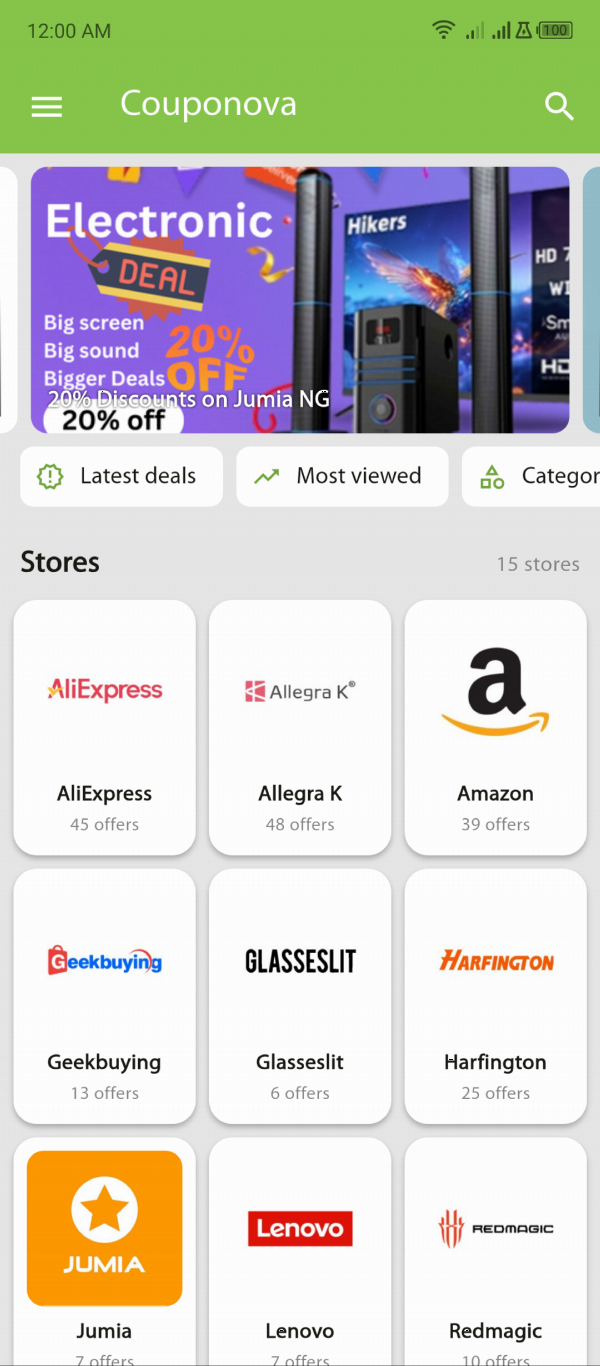
- If you found the code on Couponova, tap No under "Did this work?" on the offer page. It takes a second and helps the next shopper: offers that keep failing are taken down.
- Don't keep trying random codes from unknown sites. Some "code generator" pages exist only to collect clicks or personal details; see how to spot fake coupon scams.
Common questions
Why does a promo code say it is not valid?
Usually because the order doesn't meet a condition: the cart is under the minimum spend, an item is excluded (often sale items), the code is for new customers or another country, or it has expired. Read the offer's conditions and the exact error message to see which one applies.
Can a coupon code work on sale items?
Only if the store allows it. Many codes exclude items that are already reduced, but some, such as sitewide event codes and "extra % off sale" codes, are made for sale items. The offer's conditions say which kind it is.
Are promo codes case-sensitive?
Most are not, but a few stores treat upper and lower case differently. Type the code exactly as shown, without spaces before or after it, to be safe.
What should I do if a code from Couponova doesn't work?
Check the conditions on the offer page first. If you meet them and the code still fails, tap "No" under "Did this work?". Couponova hides offers that keep failing until they can be confirmed.
Store policies, prices and promotions change often. We check our guides regularly, but always confirm the details on the store's own site before you buy. Found something out of date? Tell us.