Home / Guides / Coupon basics
Coupon codes vs deals vs cashback: what's the difference?
Codes, automatic deals, cashback and loyalty points all promise savings, but they work differently and some can be combined. Here is how each one works and when to use it.
Stores have many ways of giving discounts, and the vocabulary can be confusing. "Use code SAVE20", "deal of the day", "5% cashback" and "earn double points" all sound like savings, but each works differently: when you get the money, what you have to do, and whether you can combine them. Understanding the differences helps you pick the offer that actually saves the most.
Coupon codes
A coupon code (also called a promo code, discount code or voucher) is a word or string of characters you type into a box at checkout. The store checks it against its rules and, if your order qualifies, takes money off immediately.
- When you save: instantly, on the order total.
- What you do: copy the code and paste it at checkout.
- Typical conditions: minimum spend, excluded items, one per order, new customers only.
- Watch out for: codes that only apply to some items in your cart.
New to codes? Our step-by-step guide on how to use a coupon code walks through the whole process.
Deals
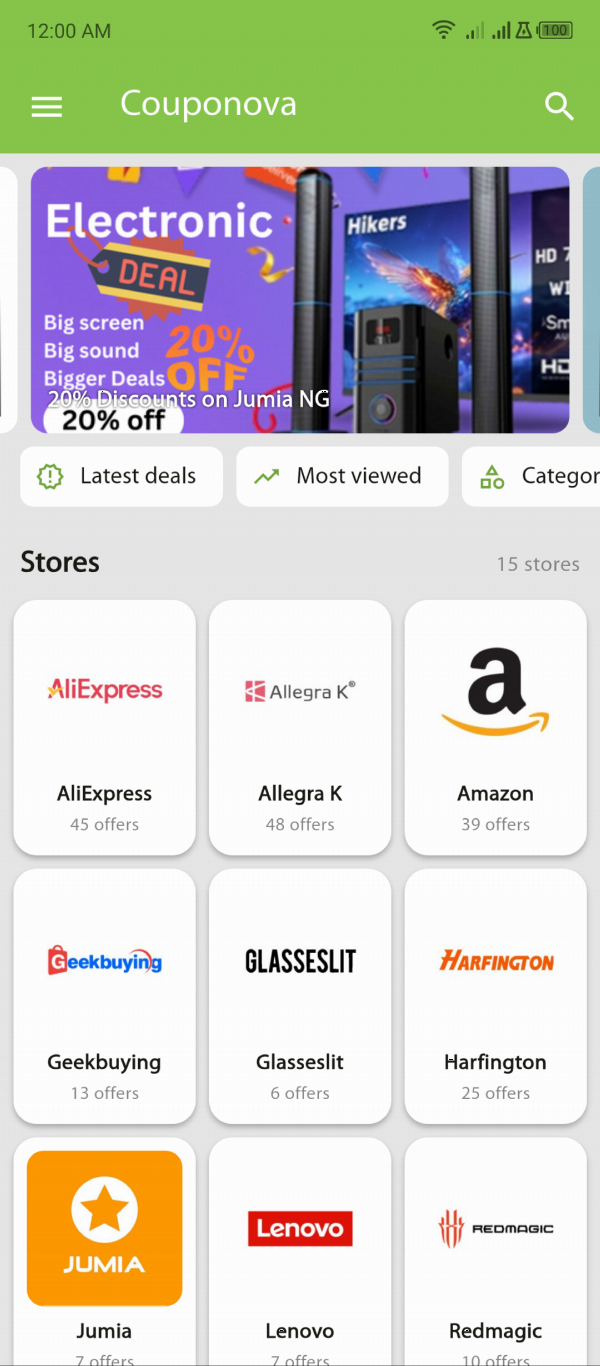
A deal is a discount the store applies without a code: a reduced price on the product page, "buy one, get one half price", a bundle, or free shipping above a certain order value. Some deals are only available through a specific link, which is why Couponova lists them alongside codes.
- When you save: instantly, usually visible on the product page or in the cart.
- What you do: open the deal link and shop as normal.
- Typical conditions: limited stock, limited time, specific products.
- Watch out for: "was" prices that were never really charged; see how to tell if a sale is real.
Cashback
Cashback is money paid back to you after you buy, usually by a cashback website or app, sometimes by your bank card. It's funded the same way Couponova is: the store pays a commission for the sale, and the cashback service shares part of it with you.
- When you save: later. Cashback is normally "pending" until the store's return period ends, which can take several weeks, and payouts may have a minimum balance.
- What you do: sign up with the cashback service and start your shopping from its link.
- Typical conditions: no other coupon sites in between, no ad blockers interfering with tracking, specific product categories excluded.
- Watch out for: tracking failures. If the purchase isn't recorded, you have to file a claim.
Loyalty points and rewards
Many stores give points for every purchase that can later be turned into discounts. Points are a form of delayed discount, but they lock you into one store and can expire. A purchase earning "10x points" is only a good deal if you were going to buy from that store anyway and will actually redeem the points.
Gift card discounts
Buying a store's gift card for less than its face value, through a promotion or a reputable reseller, is another way to save. The saving applies to everything you buy with the card, and it usually combines with codes. Only buy discounted gift cards from sources you trust: gift cards are a favourite tool of scammers.
Comparison at a glance
| Type | When you save | Effort | Combine with a code? |
|---|---|---|---|
| Coupon code | At checkout | Copy and paste | Usually only one code per order |
| Deal | At checkout | Follow the link | Often yes, unless the code excludes sale items |
| Cashback | Weeks later | Account with the service | Often yes, check the service's rules |
| Loyalty points | On a future order | Store account | Usually yes |
| Discounted gift card | On every purchase with the card | Buy the card first | Usually yes |
Which one should you use?
Work out the final price you'll pay for each option, including shipping, and pick the lowest. A few rules of thumb:
- A guaranteed instant saving usually beats a larger promised one that arrives later. Cashback can be declined if the store's tracking fails or the item is returned.
- Percentage codes win on big orders; fixed-amount codes ("$10 off") win on small ones. Do the maths: 15% off a $50 order is $7.50, less than $10 off.
- Free shipping can be worth more than a small code on low-value orders.
- Combining is where the biggest savings are. Our guide to stacking discounts explains how to layer a sale, a code and cashback without breaking store rules.
Whatever you choose, start from a list you can trust. Couponova lists codes and deals published through official networks and removes them when they end, so you spend less time testing codes that were never going to work.
Common questions
What is the difference between a coupon code and a deal?
A coupon code is typed at checkout and checked against the store's rules. A deal needs no code: the discount is already in the price or applied automatically through a link.
Can I use a coupon code and cashback together?
Often yes, because cashback is paid by a separate service after the purchase. Some cashback services don't pay if you use coupon sites between their link and the store, so check the service's rules.
Is cashback better than a coupon code?
Not always. A code saves money instantly, while cashback arrives weeks later and can be declined if tracking fails or you return the item. Compare the final price you will actually pay.
Store policies, prices and promotions change often. We check our guides regularly, but always confirm the details on the store's own site before you buy. Found something out of date? Tell us.